October 22, 2026
In this article, we will cover:
- Why CRM integrations are powerful for Tapfiliate
- What you need before starting
- Step-by-step setup overview
- Supported CRMs and available triggers
- Advanced and optional setups
- Key notes and best practices
Why CRM Integrations Are Powerful for Tapfiliate
Integrating your CRM with Tapfiliate allows you to connect affiliate tracking directly to your lead and customer lifecycle. Instead of tracking only checkout-based conversions, you can reward affiliates for:- Lead creation
- Qualified prospects
- Account creation
- Deal or opportunity creation
- Status or stage changes inside your CRM
Overview of CRM + Zapier Integration
Zapier acts as the bridge between your CRM and Tapfiliate.How it works:
- A visitor clicks an affiliate link and reaches the client’s website.
- The visitor submits a form, becomes a lead, or is added as a contact in your CRM.
- Zapier detects this CRM event.
- Zapier sends a Create Conversion or Create Customer action to Tapfiliate.
What You Need Before Starting
To successfully integrate your CRM with Tapfiliate via Zapier, ensure you have:- An active Tapfiliate account
- An active Zapier account
- Access to your CRM (admin or API permissions)
- A way to store the Tapfiliate referral identifier in your CRM
- Common field: referral_code,coupon_code
- A clear definition of what should count as a “conversion” (lead, contact, deal, etc.)
General Integration Flow (All CRMs)
Most Zapier integrations follow this same structure:Trigger (CRM Event) → Filter (optional) → Action: Create Conversion or Customer in Tapfiliate You can also enrich conversions with:
- Customer ID
- External ID (Lead ID / Contact ID / Deal ID)
- Amount (for revenue-based commissions, in your program’s currency)
Supported CRM Integrations
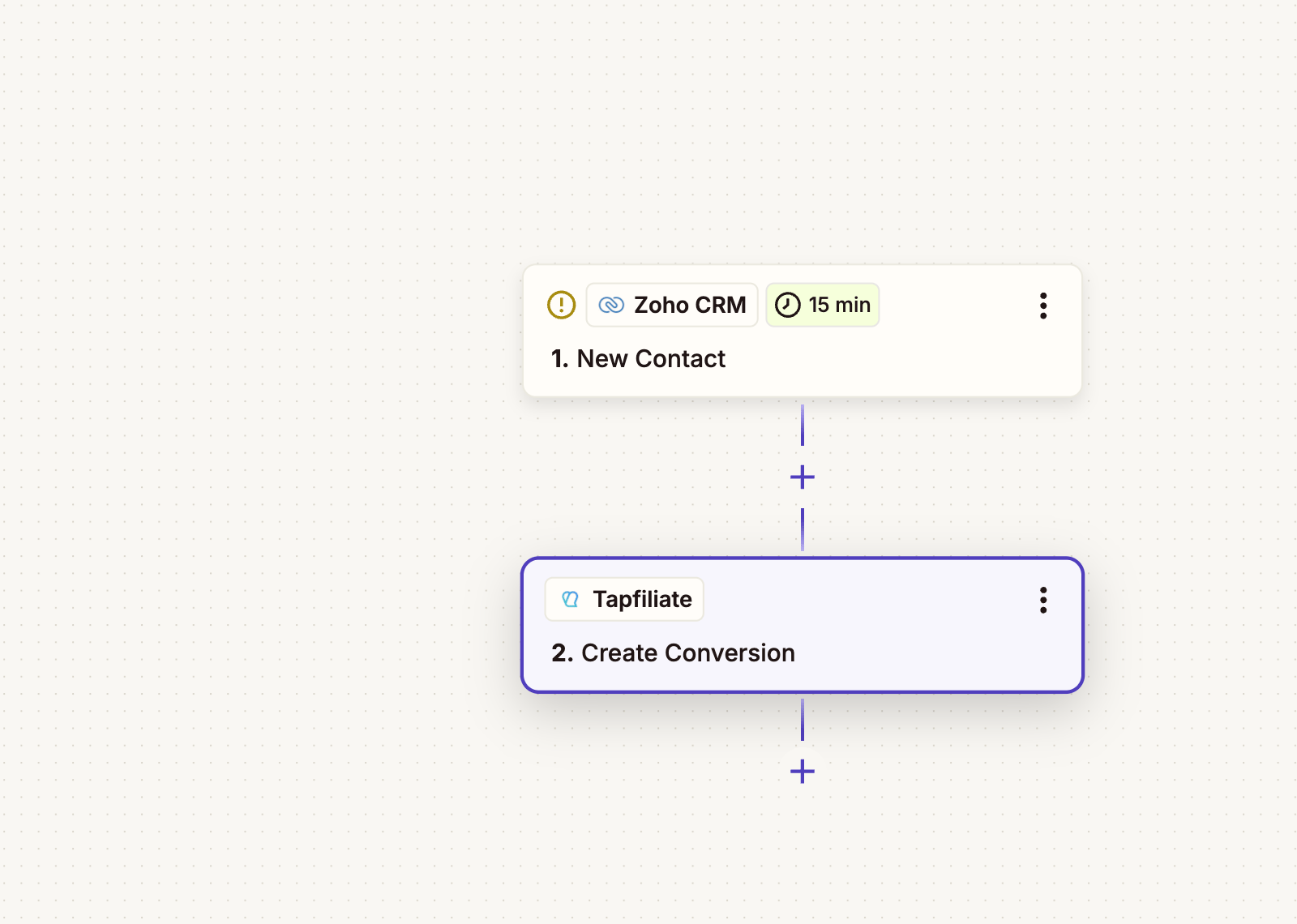
Zoho CRM Integration via Zapier
Zoho CRM is widely used by B2B and SaaS companies to manage leads, contacts, and custom sales modules. Its flexible module structure makes it ideal for affiliate programs that reward:Available Zoho Triggers
- New Contact
- New Lead
- New User
- New Module Entry (Instant)
- New or Updated Module Entry (Instant)
- Updated Module Entry (Instant)
- New or Updated Contact
- New or Updated Lead
Example Zap Flows
1. Lead-Based Affiliate Tracking- New Lead created in Zoho
→ Zapier
→ Create Conversion in Tapfiliate
- New or Updated Contact
→ Filter: Referral code is present
→ Create Conversion in Tapfiliate
- New Module Entry (e.g. “Deals” or “Opportunities”)
→ Create Conversion with deal value as amount
- Lead updated to “Qualified”
→ Trigger Conversion in Tapfiliate
HubSpot Integration via Zapier
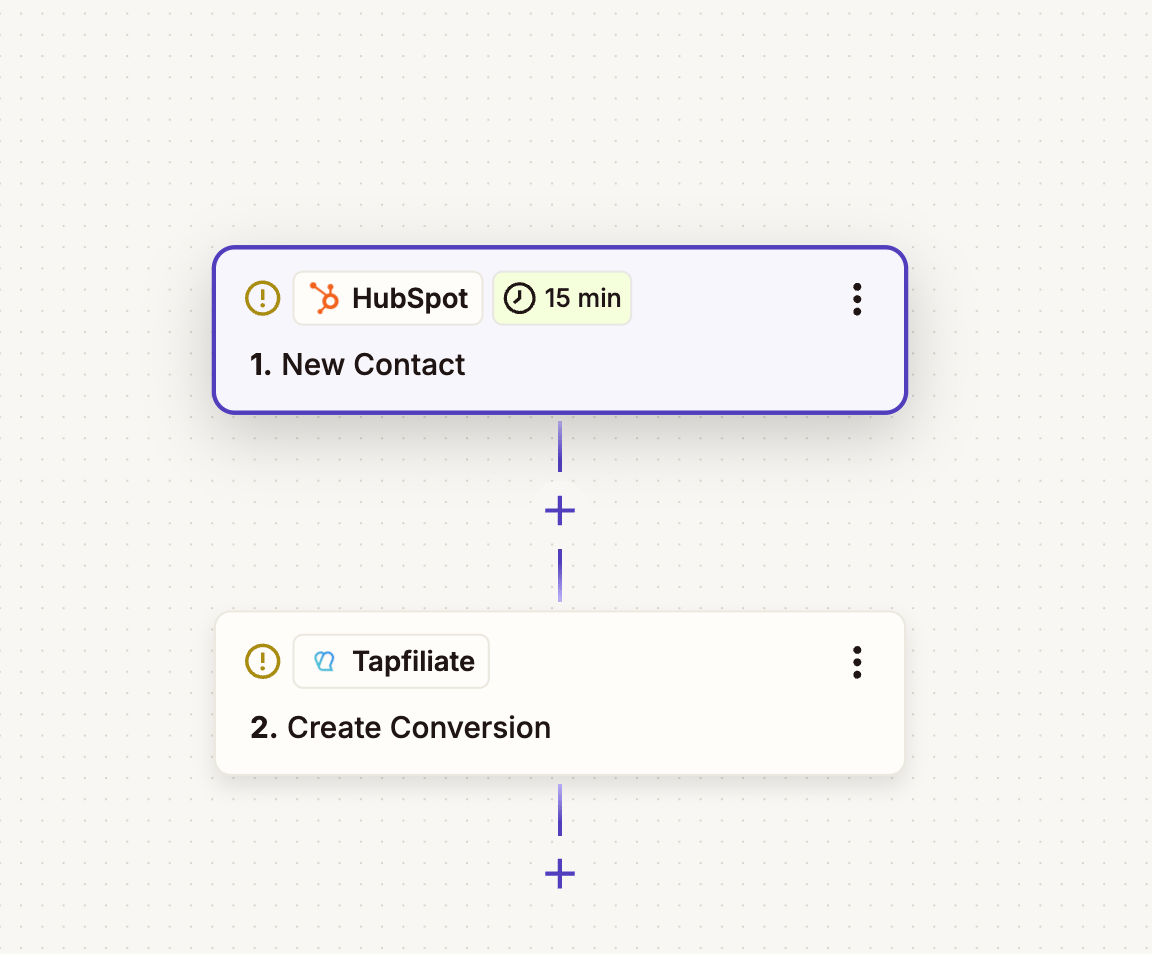
HubSpot combines CRM, marketing automation, and forms, making it ideal for tracking affiliate-driven inbound activity.Available HubSpot Triggers
- Contact Recently Created or Updated
- New Contact in List
- New Deal
- Updated Deal Stage
- Company Recently Created or Updated
- CRM Object Recently Created
- New Form Submission
Example Zap Flows
1. Contact Creation Conversion- New Contact Created
→ Create Conversion in Tapfiliate
- New Form Submission
→ Create Customer in Tapfiliate
- New Deal Created
→ Create Conversion with deal amount
- Deal Stage updated to “Closed Won”
→ Trigger Conversion in Tapfiliate
- New Contact added to a specific list
→ Create Conversion in Tapfiliate
Salesforce Integration via Zapier
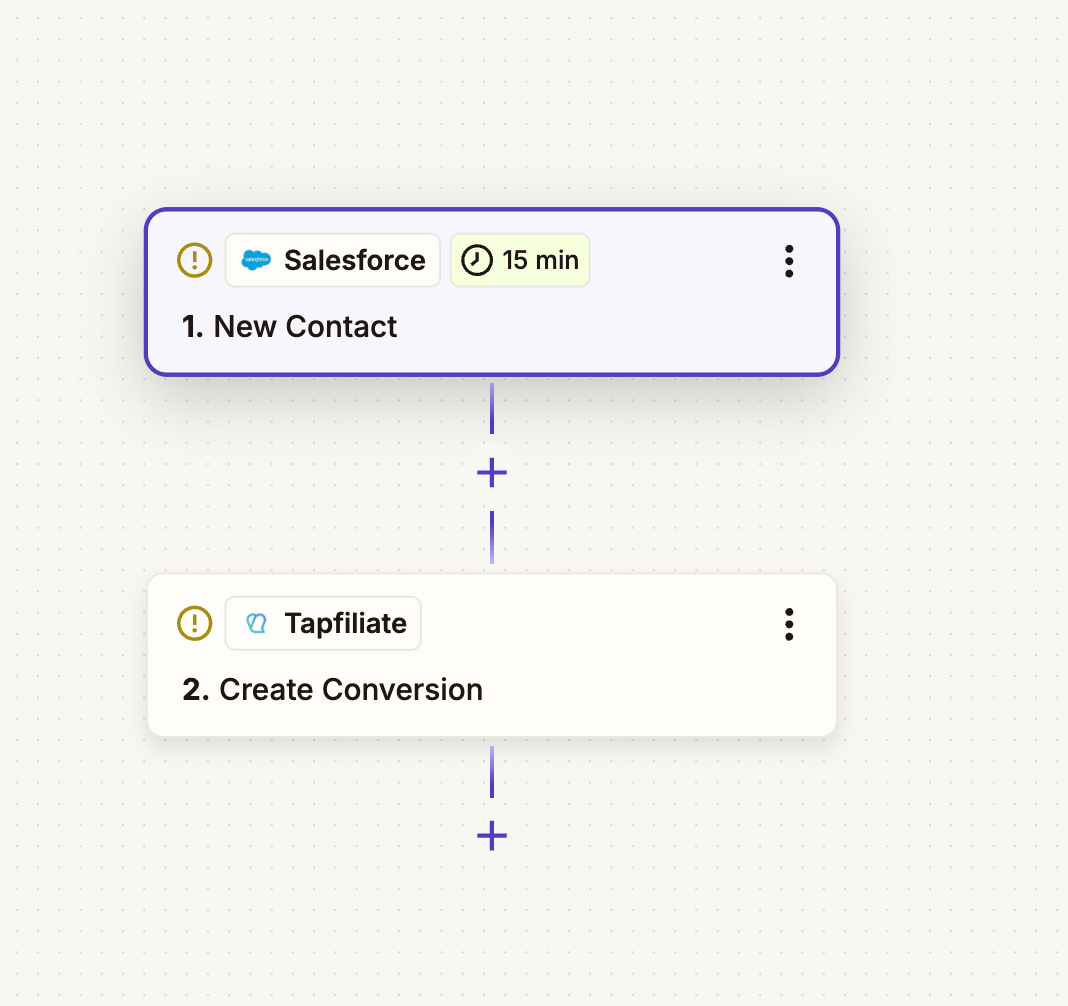
Salesforce supports complex pipelines and multi-stage sales processes. This makes it suitable for affiliate programs that pay at multiple milestones.Available Salesforce Triggers
- New Record
- Updated Record
- New Contact
- New Lead
- Updated Field on Record
- New Field History Tracking Event
Example Zap Flows
1. Lead Attribution- New Lead created
→ Create Conversion in Tapfiliate
- New Contact created
→ Create Customer in Tapfiliate
- New Opportunity Record
→ Create Conversion with opportunity amount
- Field Updated: Lead Status = Qualified
→ Trigger Conversion in Tapfiliate
- Opportunity moves to “Closed Won”
→ Final Conversion with revenue
Pipedrive Integration via Zapier
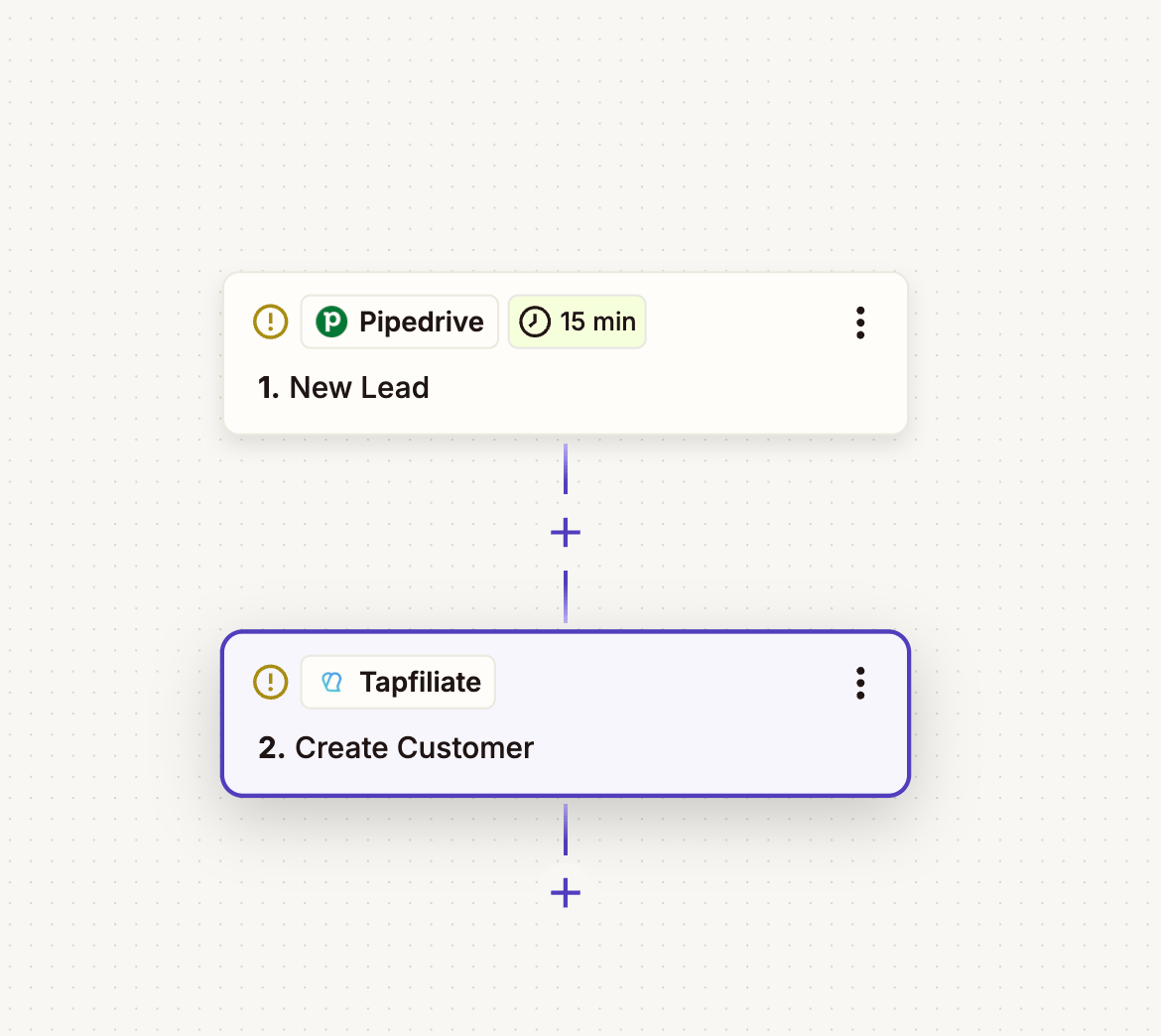
Pipedrive focuses heavily on deal flow and sales activity, making it ideal for rewarding affiliates based on deal progress.Available Pipedrive Triggers
- New Lead
- New Person
- New Organization
- New Deal
- Updated Deal
- Updated Person
- Activity Matching Filter
Example Zap Flows
1. Lead Capture Tracking- New Lead
→ Create Conversion in Tapfiliate
- New Deal created
→ Create Conversion with deal value
- Deal Updated to “Won”
→ Trigger Conversion in Tapfiliate
- New Person created
→ Create Customer in Tapfiliate
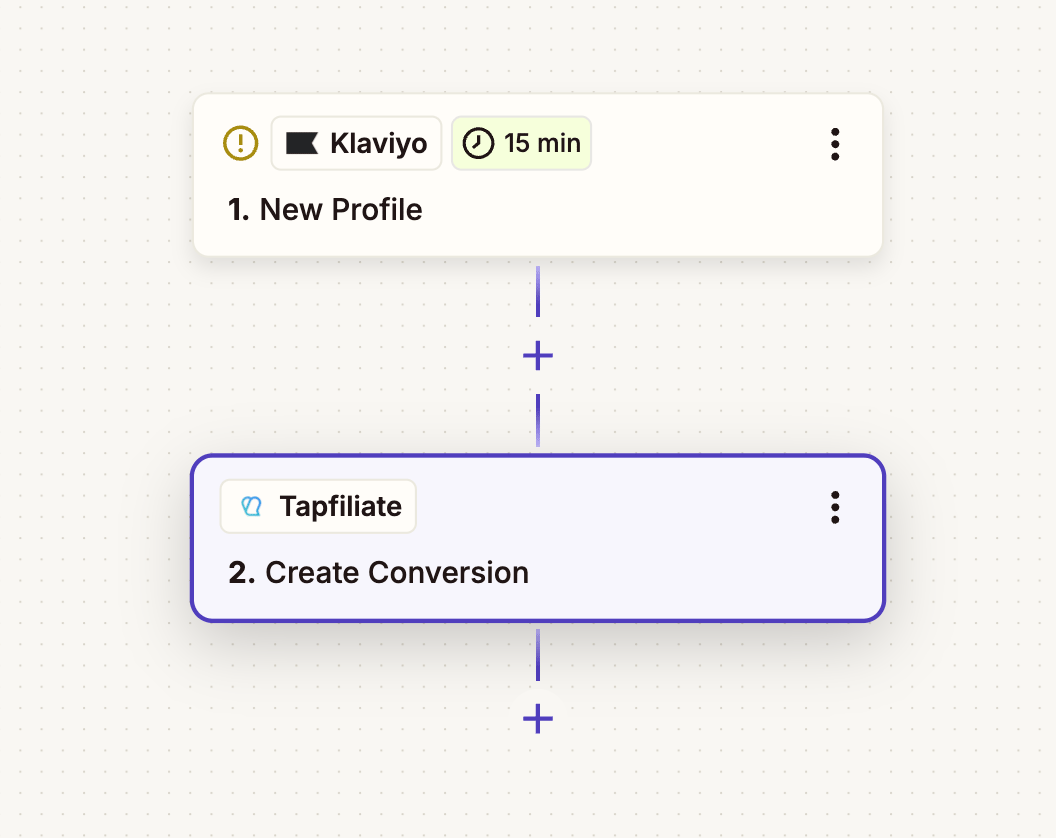
Klaviyo Integration via Zapier
While not a traditional CRM, Klaviyo is often used to track user profiles, signups, and lifecycle events, especially for SaaS and eCommerce brands.Available Klaviyo Triggers
- New Profile
- Updated Profile
- New Event
- New Subscriber
- Unsubscribed Email
Example Zap Flows
1. Subscriber Acquisition- New Subscriber
→ Create Customer in Tapfiliate
- New Profile
→ Create Conversion in Tapfiliate
- New Event (e.g. “Started Trial”)
→ Create Conversion in Tapfiliate
- Updated Profile (tag added or property changed)
→ Trigger Conversion in Tapfiliate
Advanced & Optional Setups
1. Filtering Affiliate-Only Conversions
Use Zapier filters to make sure conversions are only created when:- A referral ID exists, coupon code exists
- A specific campaign or affiliate is present
2. Revenue-Based Commissions
If your CRM stores deal or order value:- Map that field to Amount in Tapfiliate
- Map that field to Amount in Tapfiliate
- Send the amount in your program’s currency: the “Create Conversion” action has no Currency field and records conversions in the program’s currency If you need to record a conversion in a different currency, use a “Webhooks by Zapier” POST step instead of the Tapfiliate action and send the conversion to our REST API (https://api.tapfiliate.com/1.6/conversions/, with your API key in the X-Api-Key header), adding a “currency” field with a three-letter ISO code, e.g. “EUR”. The amount is not converted: the conversion and its commission are recorded in the currency you pass, so send the amount in that currency. See the API reference: https://developers.tapfiliate.com/api-reference/conversions/create-a-conversion
3. Multi-Stage Funnels
You can create multiple conversions per customer, such as:- Lead created
- Deal qualified
- Deal closed
4. Server-Side / S2S Tracking
For advanced setups or higher reliability, Tapfiliate also supports Postback (S2S) tracking, which can be combined with CRM events for backend-only tracking.Test and Verify Your Setup
- Click an affiliate link.
- Complete the form or action that creates a CRM record.
- Confirm the Zap runs successfully.
- Check the Tapfiliate dashboard for:
- Customer creation
- Conversion attribution
- Correct affiliate assignment
Key Notes & Best Practices
- Always store the Tapfiliate referral ID in your CRM.
- Use external IDs (Lead ID, Contact ID, Deal ID) for de-duplication.
- Test every Zap with real data.
- Use Zapier filters to avoid duplicate conversions.
- Align commission logic with your sales funnel stages.