November 9, 2026
In this article, we will cover:
- Why automating Tapfiliate workflows is useful
- What you need before setting up automation
- Supported Tapfiliate events and actions
- Common Zapier use cases with Tapfiliate
- Common Make use cases with Tapfiliate
- Using Zapier and Make to Track Conversions from Your Own Platform
- Best practices for Tapfiliate automation
Tapfiliate can be connected to hundreds of external tools using Zapier and Make. These automation platforms listen for events in Tapfiliate (such as a new affiliate or conversion) and trigger actions in other tools like CRMs, email platforms, spreadsheets, and messaging apps.
Automation is especially useful for:
- Affiliate onboarding and communication
- Internal notifications and alerts
- Reporting and data synchronization
- Finance and payout workflows
Before getting started, make sure you have:
- A Tapfiliate advertiser account
- Admin access to your Tapfiliate program
- A Zapier and/or Make account
- Access to the third‑party tools you want to connect (e.g. Slack, Google Sheets, email tools)
Zapier Triggers
When using Zapier, Tapfiliate can trigger automations based on events such as:- New affiliate created
- New conversion registered
- New affiliate payment
- Affiliate updated
Note: each time a Zap fires on a Tapfiliate event, it counts toward your plan’s triggers limit, just like the triggers on the Triggers page. See Trigger emails for details.
Make Modules
Make offers a Tapfiliate integration with modules that allow you to:
- Create affiliates
- Retrieve affiliate or conversion data
- Create conversions
- Create affiliate or customer prospects
- Delete affiliates or conversions
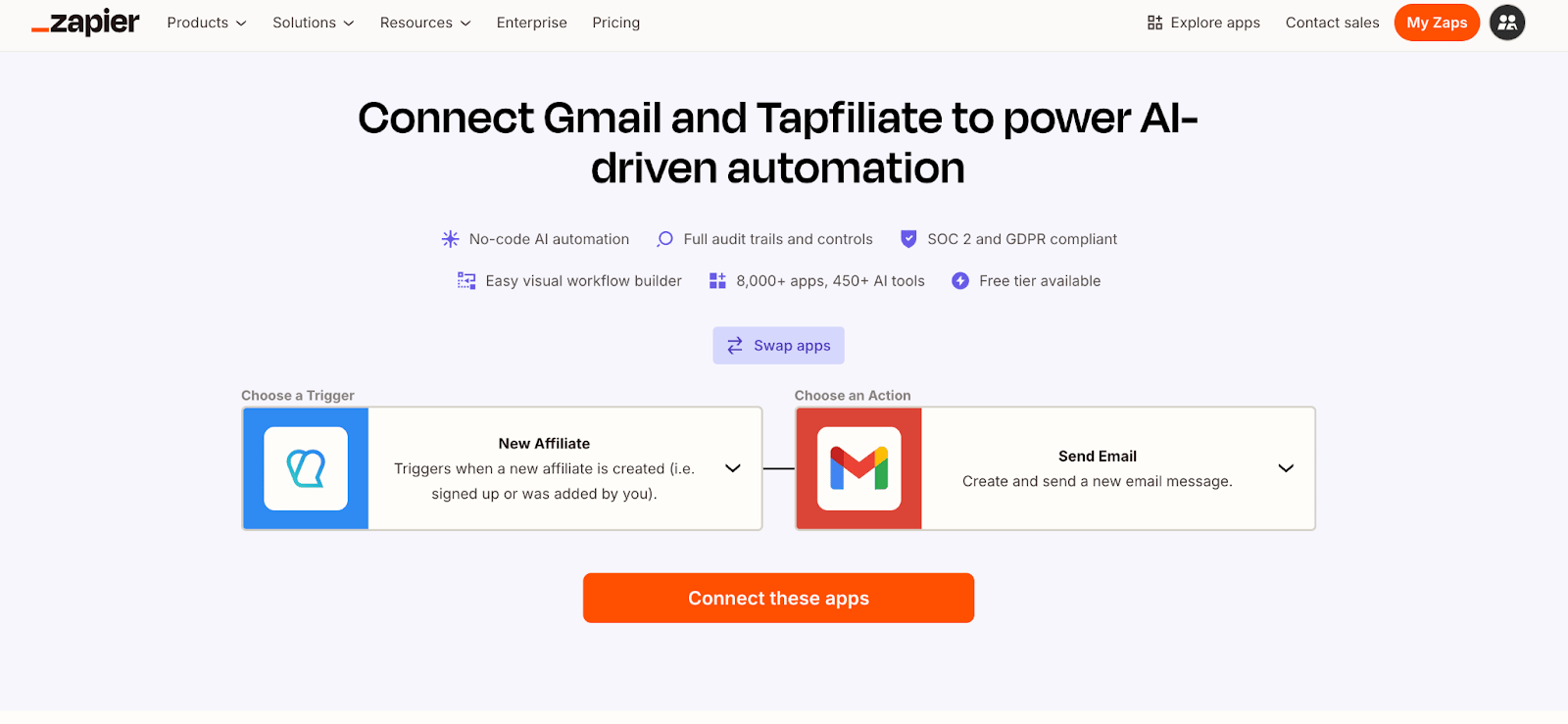
Automatically Welcome New Affiliates
Trigger: New affiliate created in TapfiliateActions:
- Send a welcome email via Gmail or an email marketing tool
- Add the affiliate to an onboarding email sequence
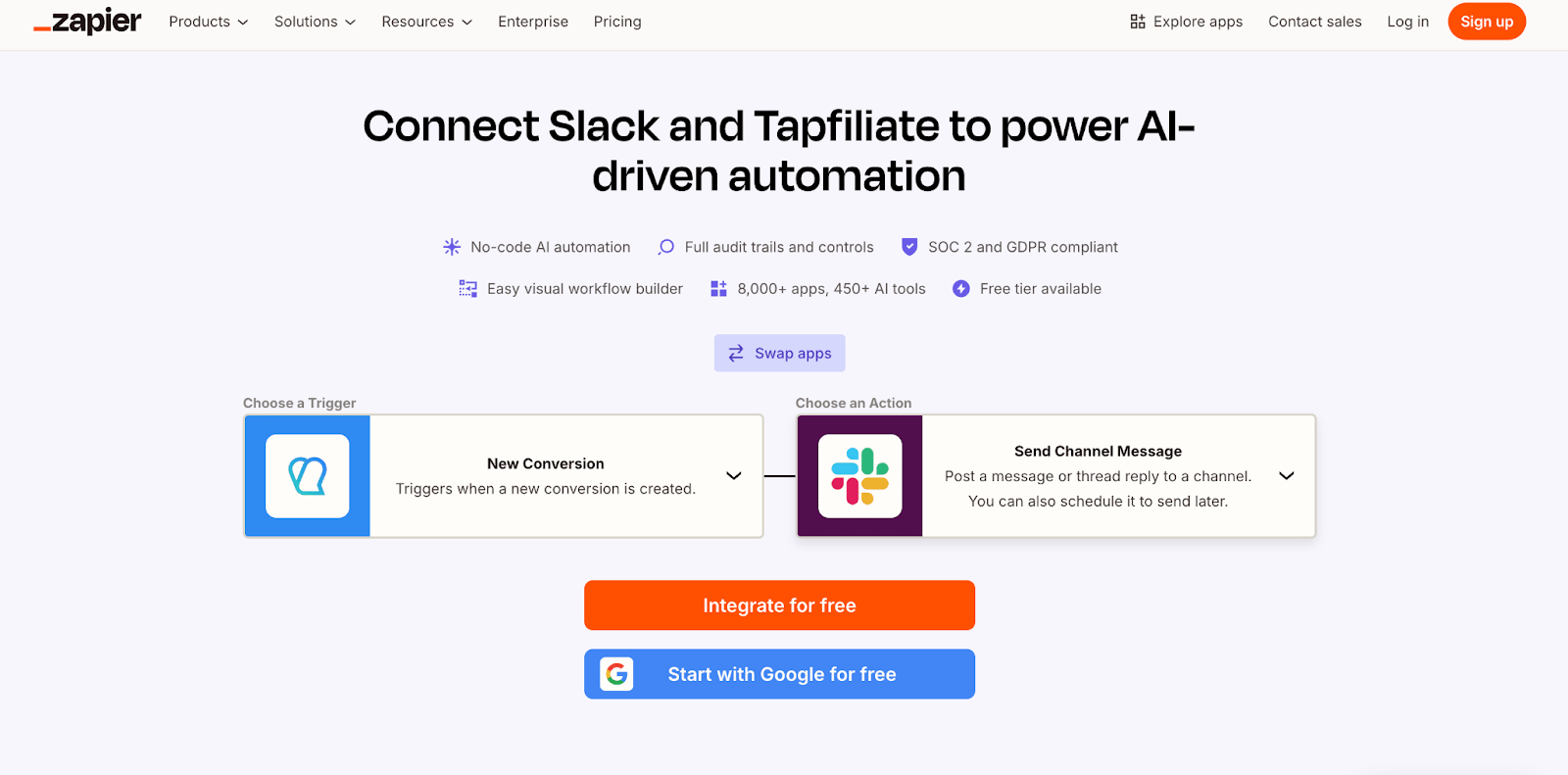
Trigger: New conversion registered
Actions:
- Post a message in Slack or Microsoft Teams
Trigger: New affiliate created or updated
Actions:
- Add or update a row in Google Sheets
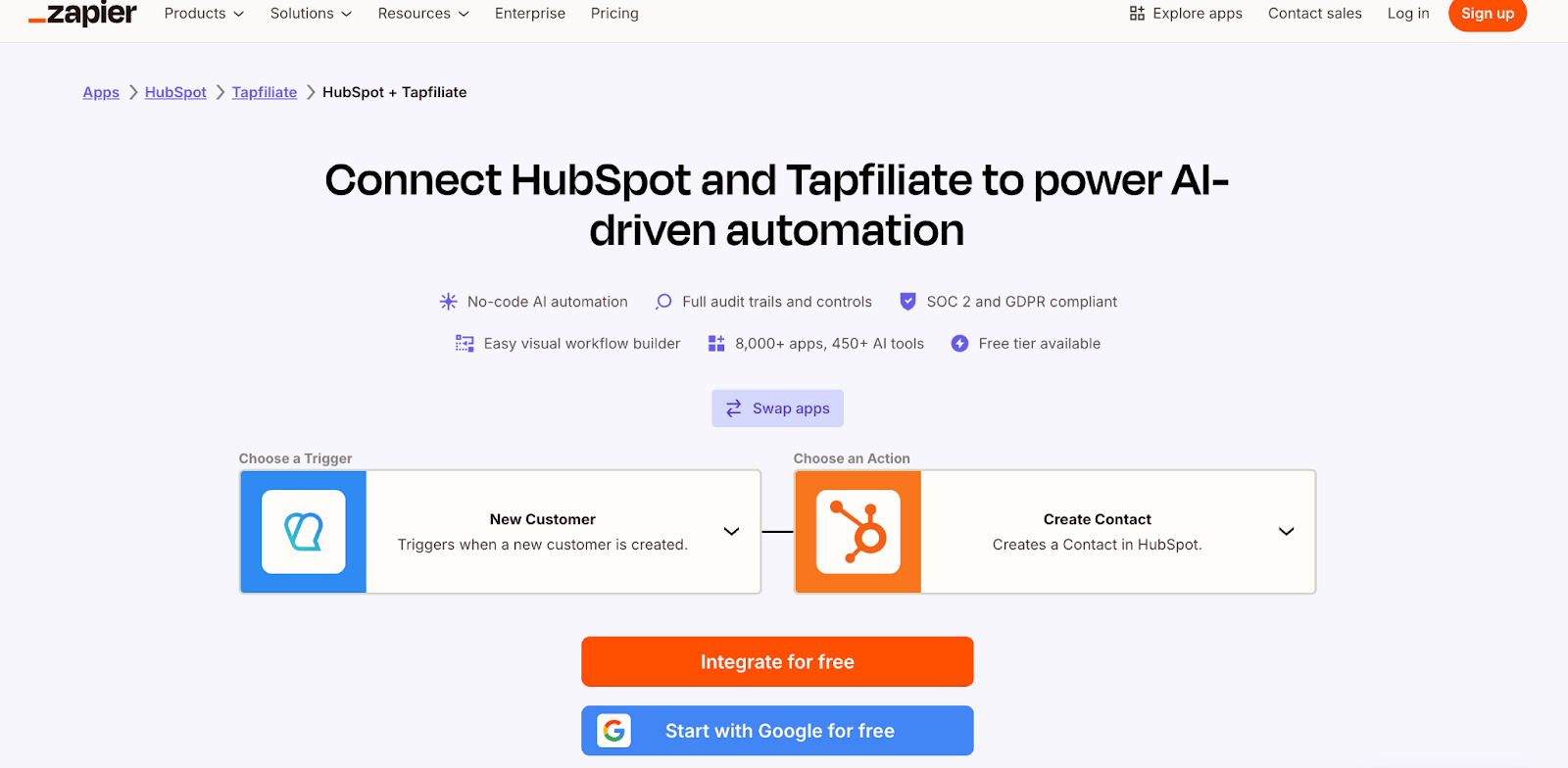
Add Customers to Your CRM
Trigger: New customer created
Actions:
- Create or update a contact in your CRM
Trigger: New customer or sign-up in your platform
Actions:
- Create the prospect with the Find or Create an Affiliate Prospect action (email, first name and last name are required)
Our Tapfiliate page on Zapier contains additional pre-made zaps.
Note: Please note that integrations with Zapier are custom integrations, and may require developers assistance to set up.
Sync Affiliate Data Across Multiple Tools
Trigger: New affiliate or scheduled data fetchScenario:
- Retrieve affiliate data from Tapfiliate
- Transform or enrich the data
- Sync it to a CRM, email platform, and internal database
Example: Adding mailgun mailing list for Tapfiliate affiliates
Automate Conversion Reporting
Trigger: Scheduled scenario
Scenario:
- Retrieve conversions from Tapfiliate
- Aggregate totals by affiliate or date
- Export results to Google Sheets or a reporting tool
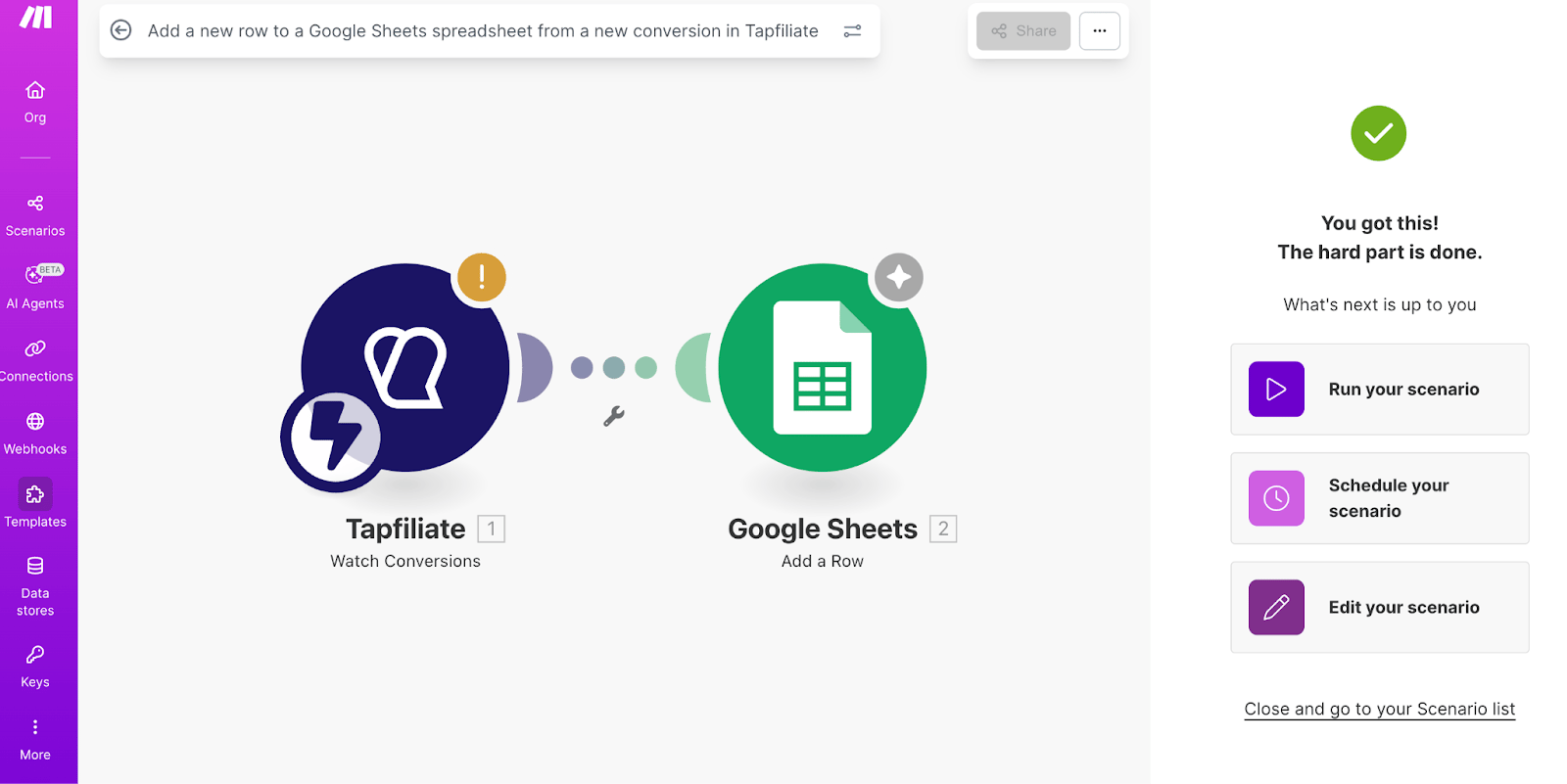
In addition to reacting to events inside Tapfiliate, Zapier and Make can also be used to send events from your own website or platform to Tapfiliate.
This setup is useful when your product or checkout flow does not support Tapfiliate tracking scripts directly, or when conversions happen in a backend system, custom app, or third‑party platform.
In these cases, your system triggers an automation that creates a conversion in Tapfiliate using Zapier or Make.
Common Conversion Tracking Use Cases
Track Conversions from a Custom Website or App
Trigger: Event in your platform (e.g. order completed, subscription activated)Actions:
- Send conversion data (amount, customer ID, external reference)
- Create a conversion in Tapfiliate via Zapier or Make
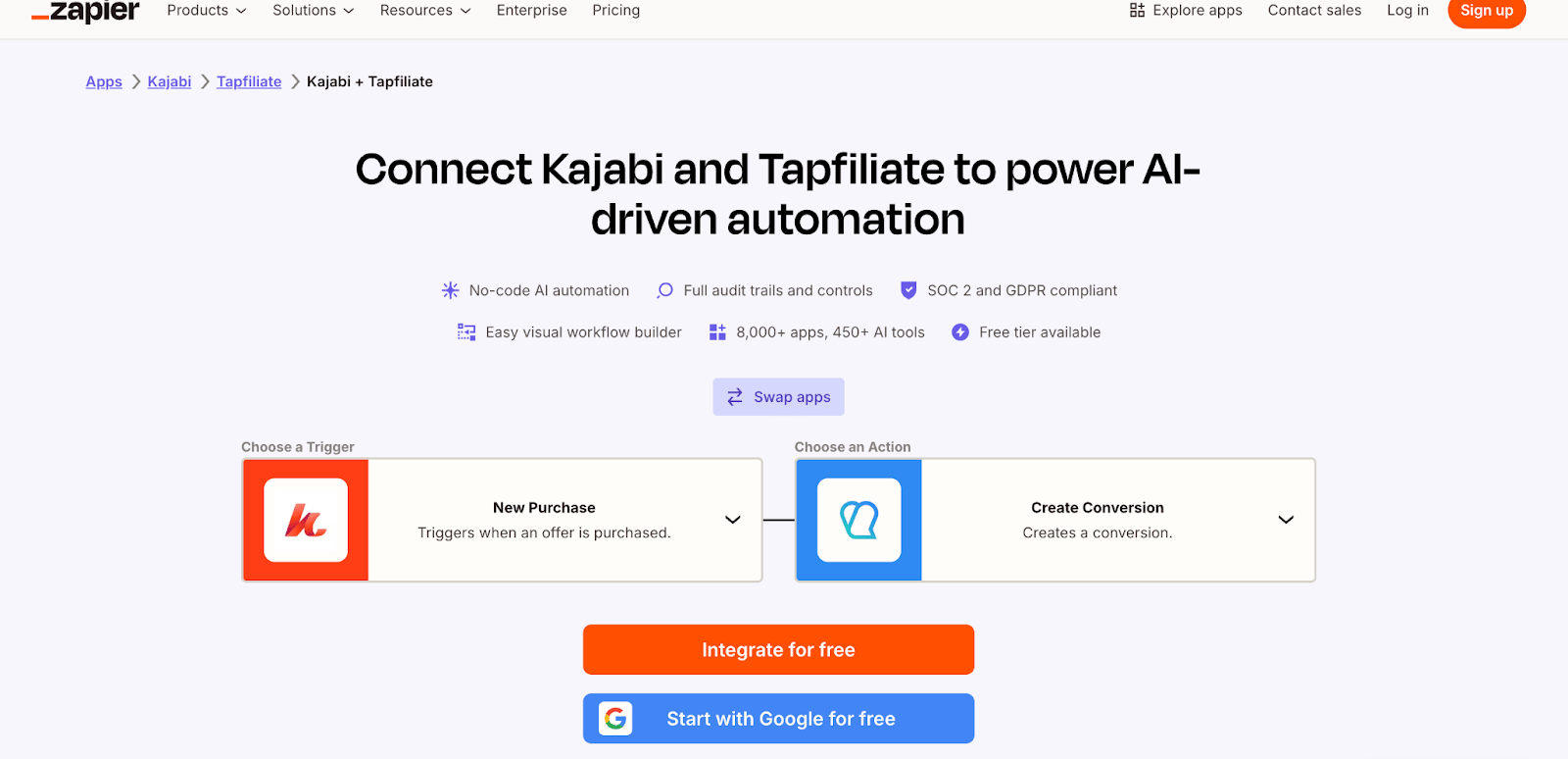
Track Offline or Manual Conversions
Trigger: New record added in a CRM or internal systemActions:
- Create a conversion in Tapfiliate
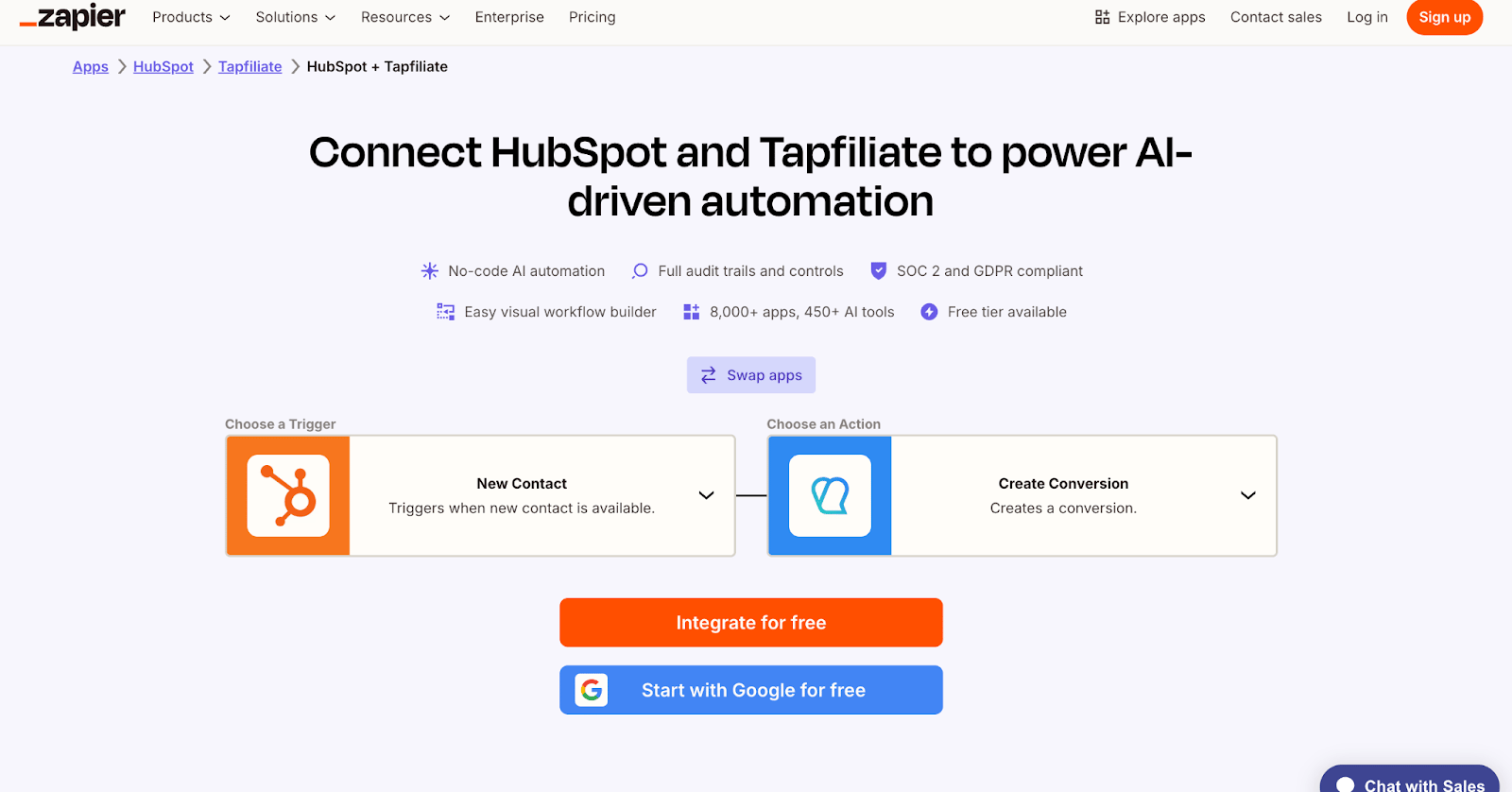
Track Subscription or Recurring Events
Trigger: Subscription event in your billing system (e.g. first payment, renewal, upgrade)Actions:
- Create or update a conversion in Tapfiliate
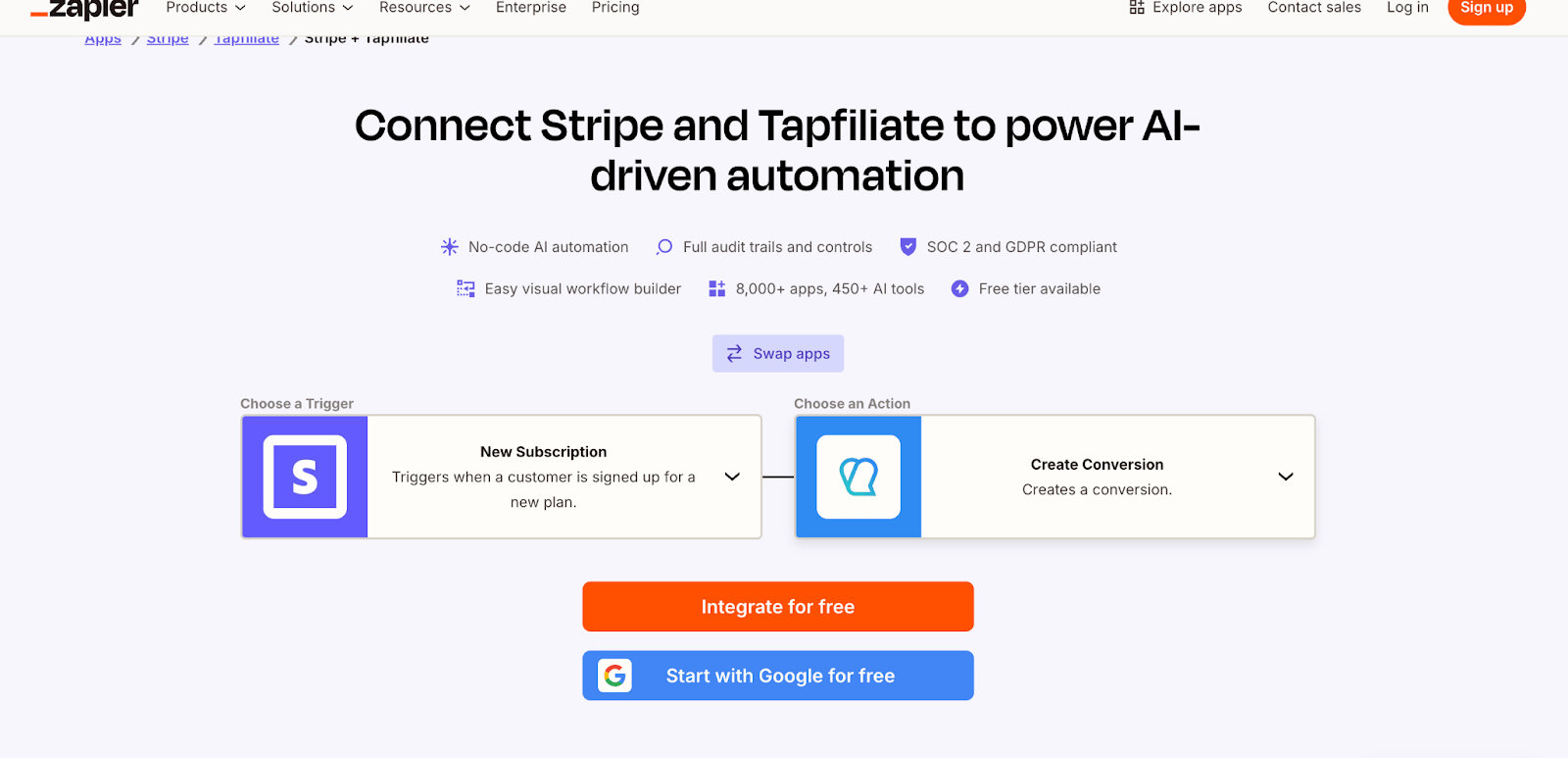
Track Platform‑Specific Events
Trigger: Event in a third‑party platform (e.g. course completion, booking confirmed)Actions:
- Send event data through Zapier or Make
- Register the conversion in Tapfiliate
- Start with a single, clear use case before adding complexity
- Test automations thoroughly before relying on them
- Monitor automation runs and error logs regularly
- Document your workflows for internal reference
- Review automations whenever you change program settings or integrations
Need More Help?
If you need help setting up Zapier or Make automations with Tapfiliate, or want advice on the best workflow for your use case, contact support@tapfiliate.com. Our team is happy to help you automate your affiliate program efficiently.