September 16, 2026
Batch Management feature makes it easy to manage through your affiliates & conversions in just a few clicks.
Below you’ll find the pages where you can use this feature.
Affiliates
When checking the box next to an affiliate, the options to approve, disapprove, set an affiliate group and export appear at the top of the page.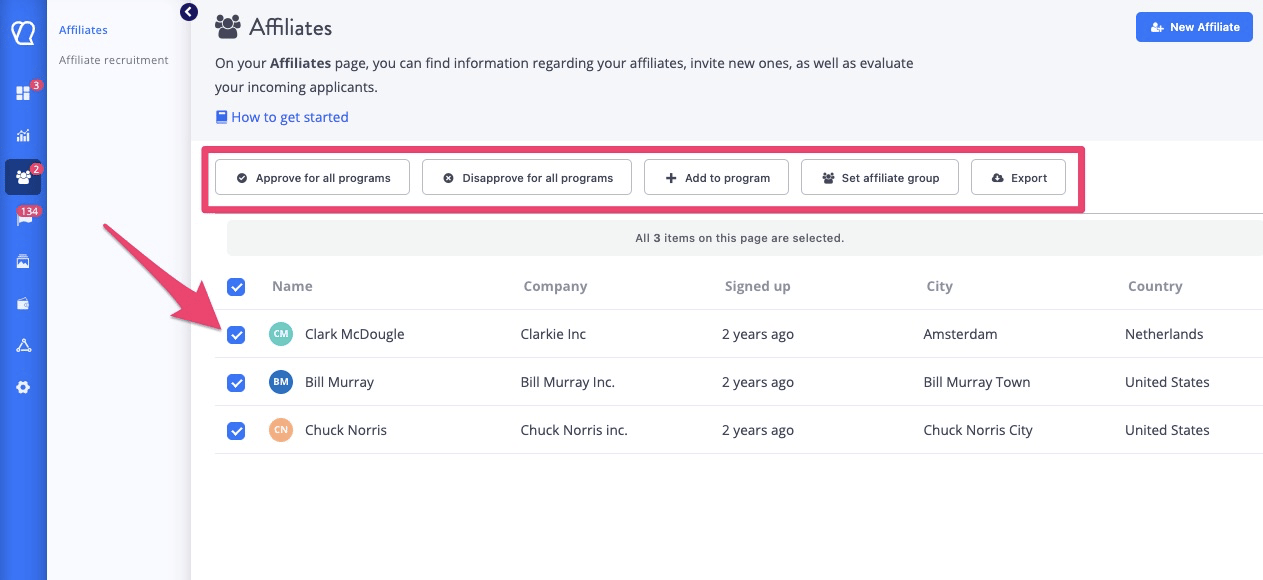
- The option to add an affiliate to another program.
- Approve all and Disapprove all buttons. Using these will impact participation in all programs an affiliate is a part of. Note: Affiliates cannot self-enroll in multiple programs; all additions must be done manually.
Conversions
When selecting a conversion or a number of conversions, the options to approve and disapprove appear near the top, along with the option to export your conversion data.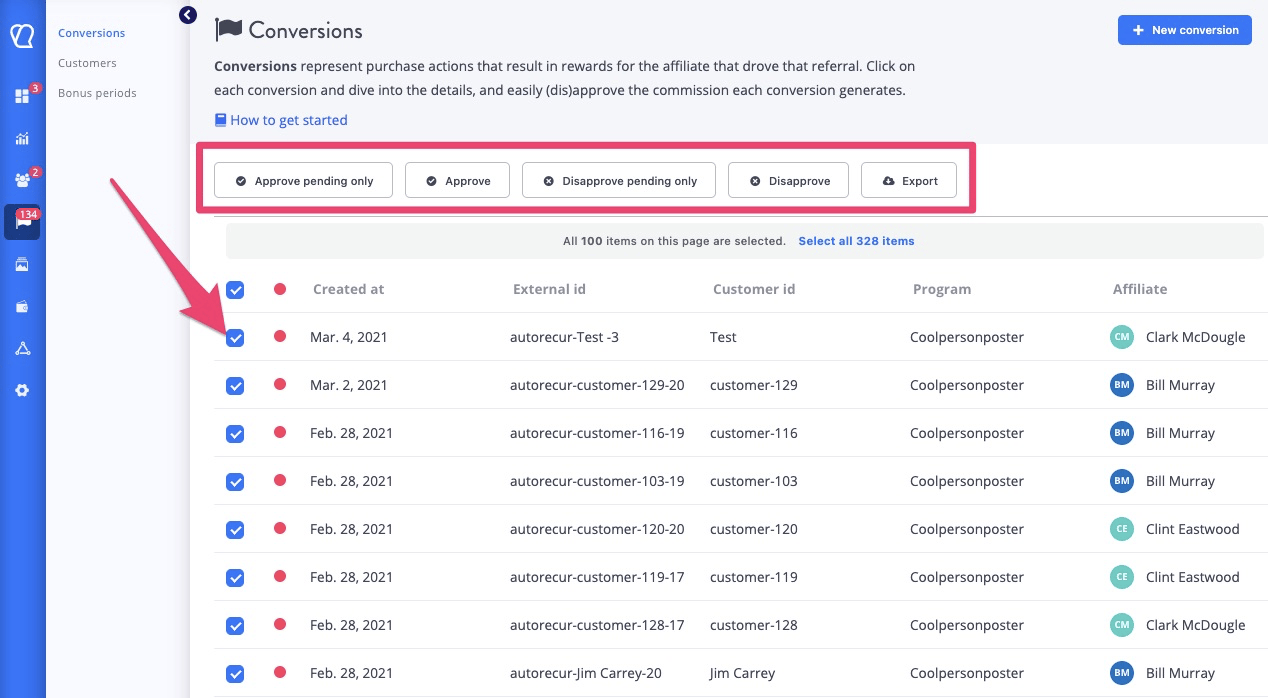
Customers
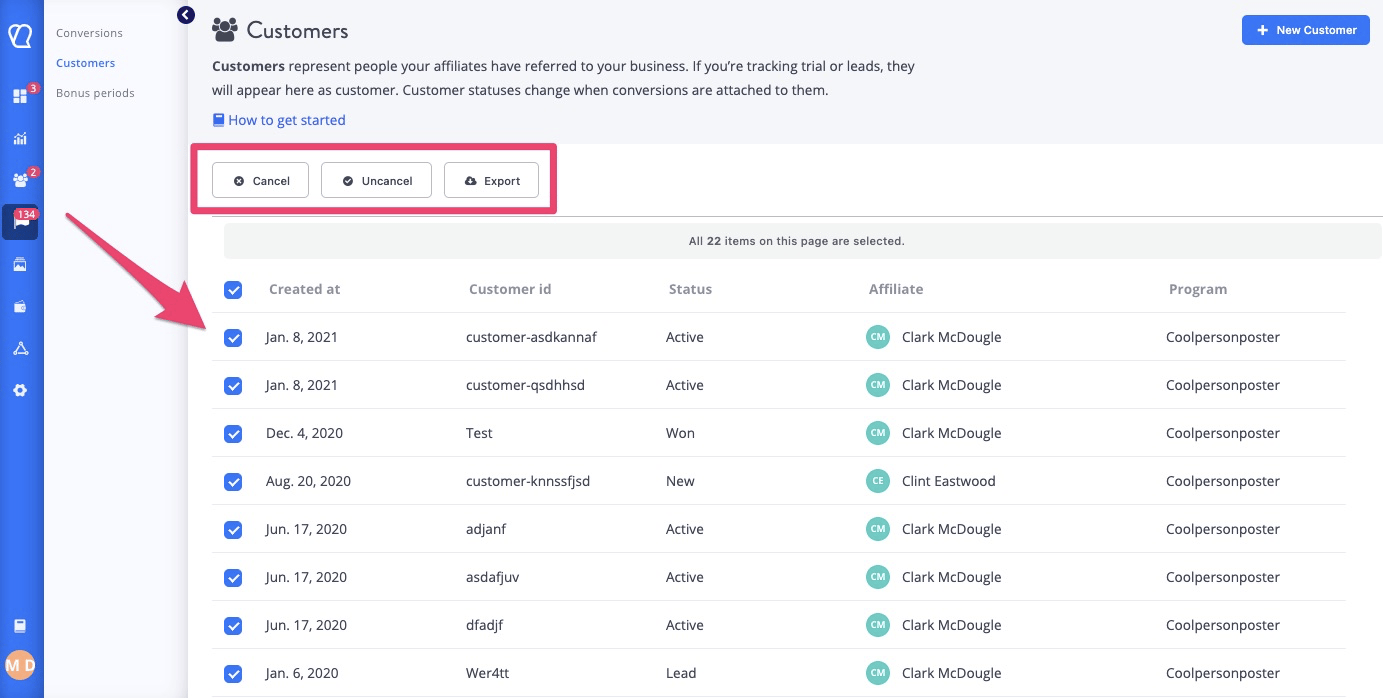
When selecting a customer or a number of customers, the options to cancel & uncancel appear near the top, along with the option to export your customer data appear near the top.