January 14, 2026
- What is the Custom Wording feature, and when should it be used?
- How the Custom Wording feature works
- FAQs
- Match your brand voice and tone
- Provide more specific instructions or context to your affiliates
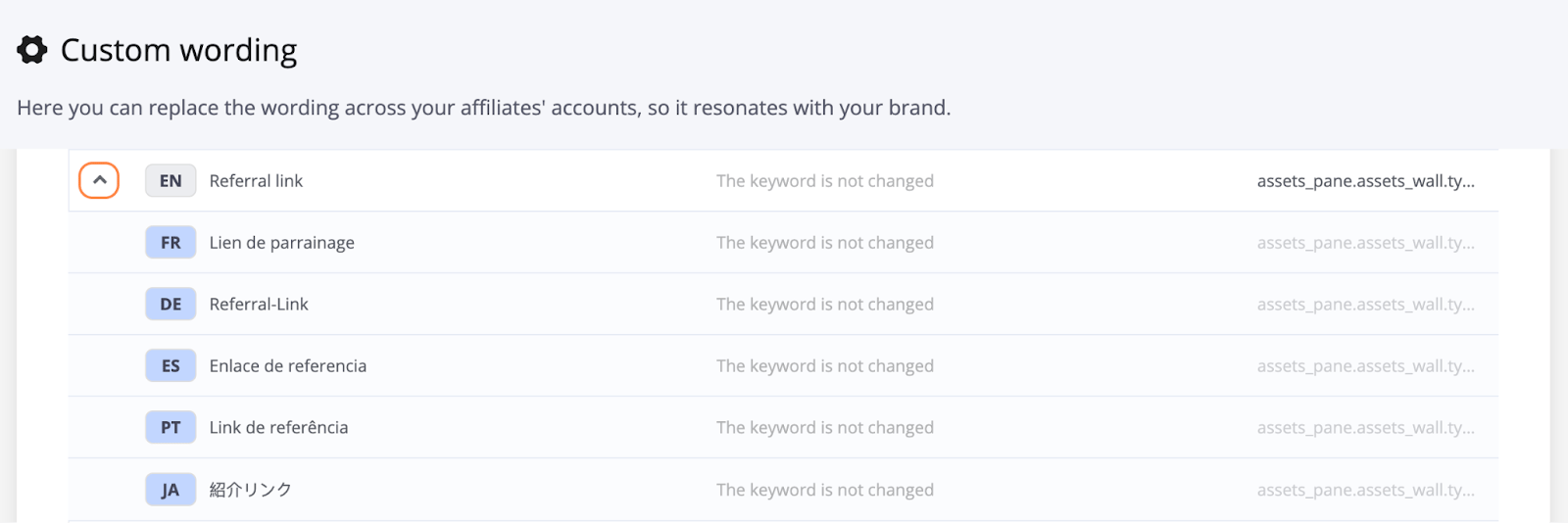
- Instead of “referral link”, you could use “customer link” or “ambassador URL”.
- If you’re using MLM placeholders, you can replace them with terms that make more sense for your program.
Words like “conversion” or “commission” might not fit your use case — you can replace them with terms that align with your program’s language. - If the term “affiliate” doesn’t reflect your business model, you could rename it to referral, influencer, partner, or any other term that fits.
- Go to the Settings tab in your Tapfiliate account.
- Select the Custom Wording section.
- Choose the section you want to edit (e.g., emails, portal messages).
- Update the text as needed and hit Enter to save your changes.
- Your custom text will now replace the default wording in the selected sections.